CrissCross is a crossword and spelling app for children, on iPhone and iPad. Players drag letter tiles into small themed crosswords, one clue at a time. There are no ads and no subscription, and it works offline. I designed and built the app, the tools behind it and its website, from the first sketch to the App Store.
The interface is the part people see. Underneath sits most of the work: a word set of thousands of answers, each with clues written for young readers, in British and American English, every word transcribed into audio and checked by ear. That word set forms the project's core, and it needed its own tools to build, test and keep up to date.
Finding the game
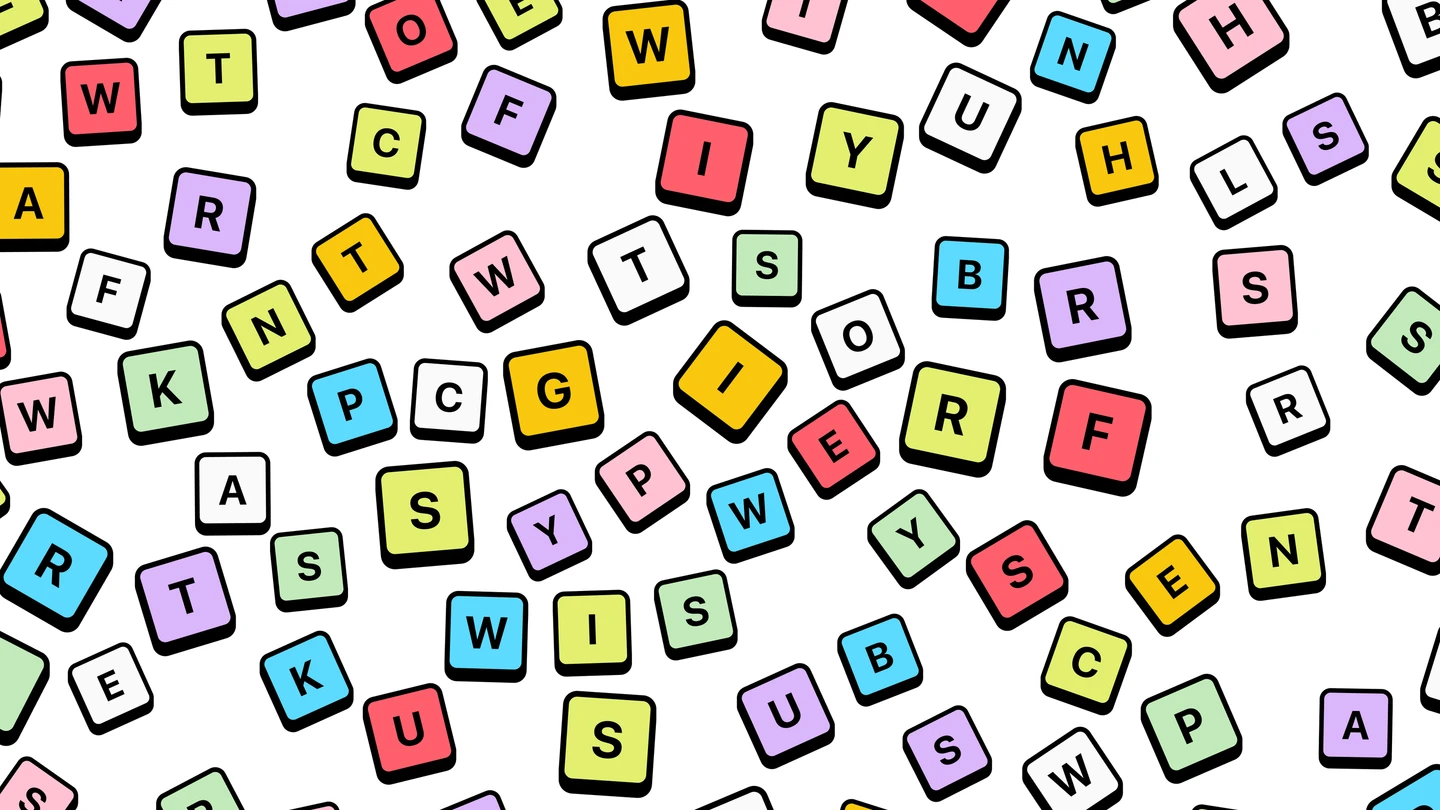
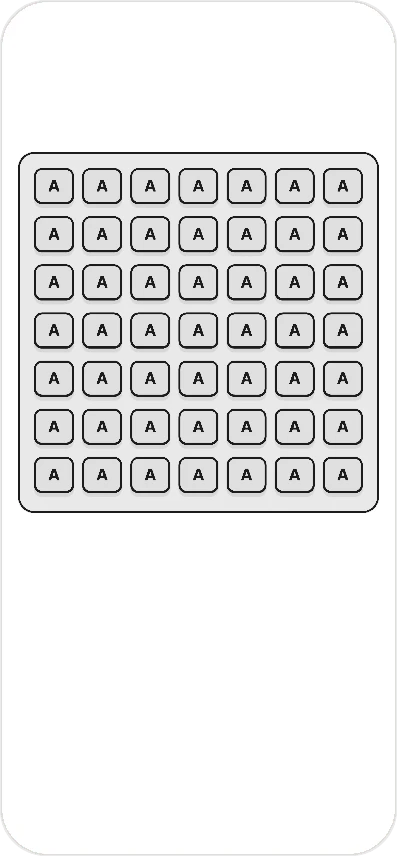
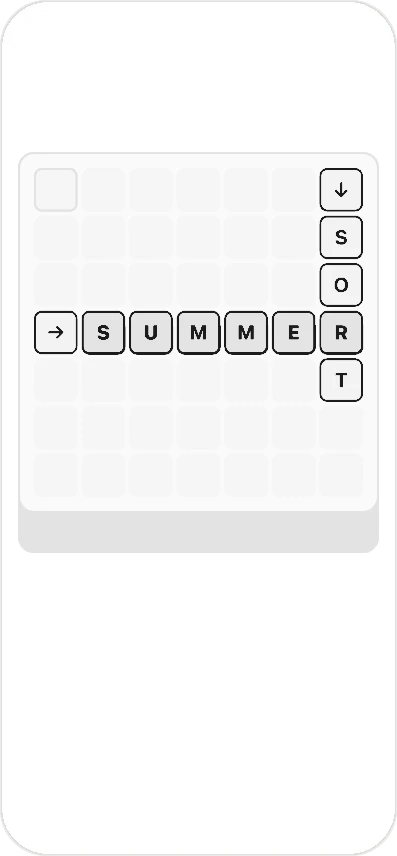
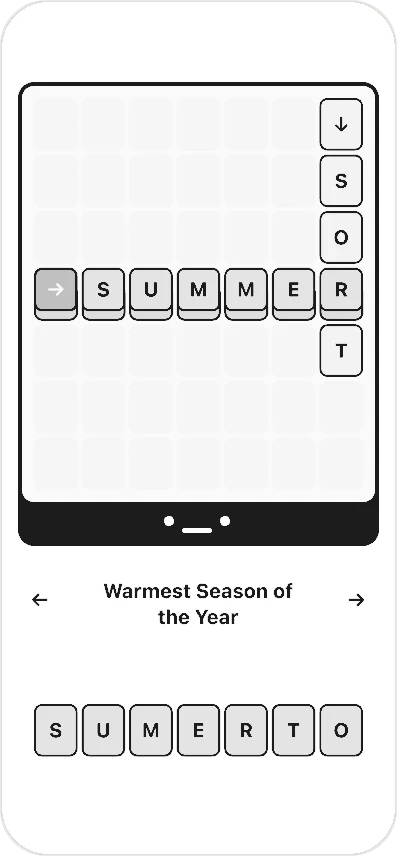
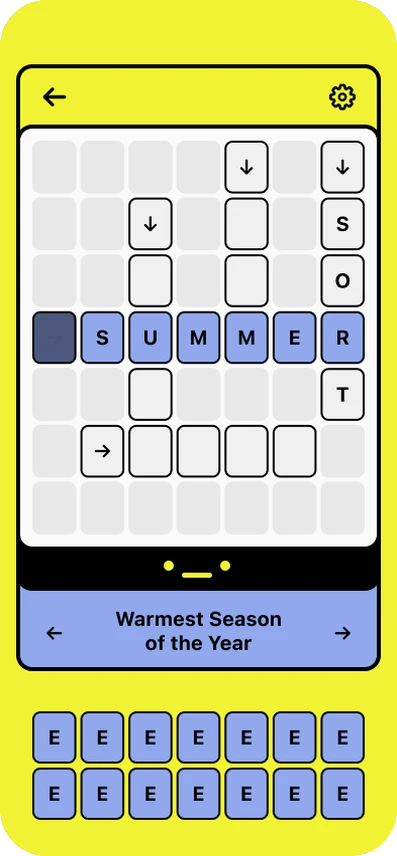
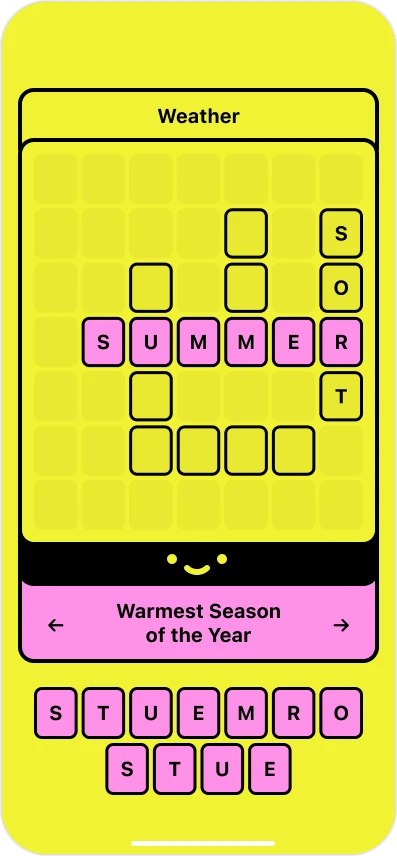
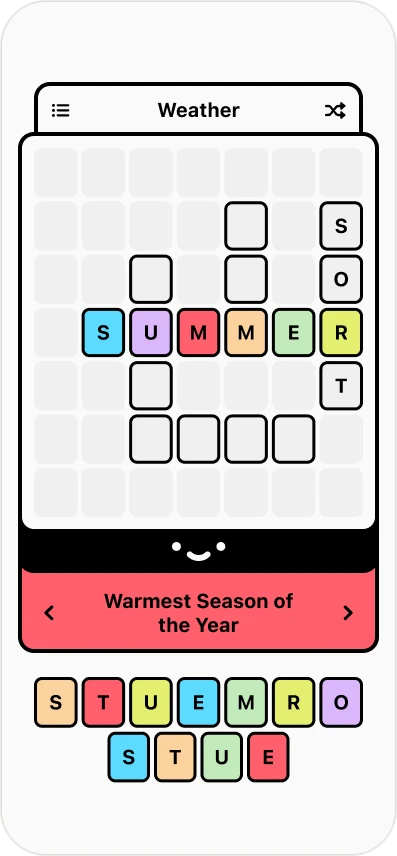
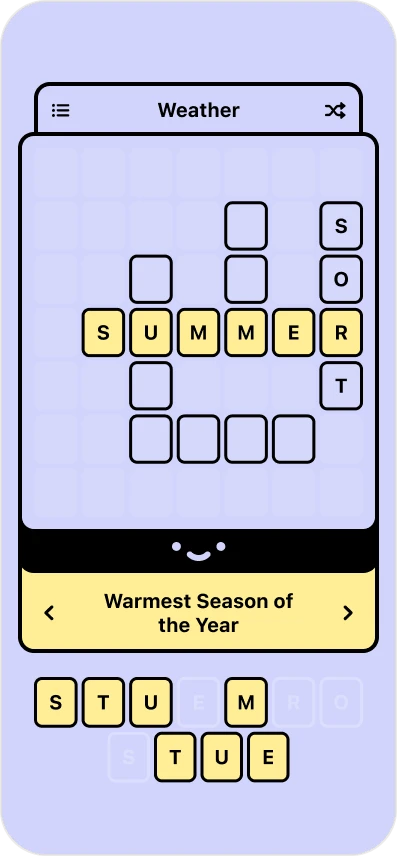
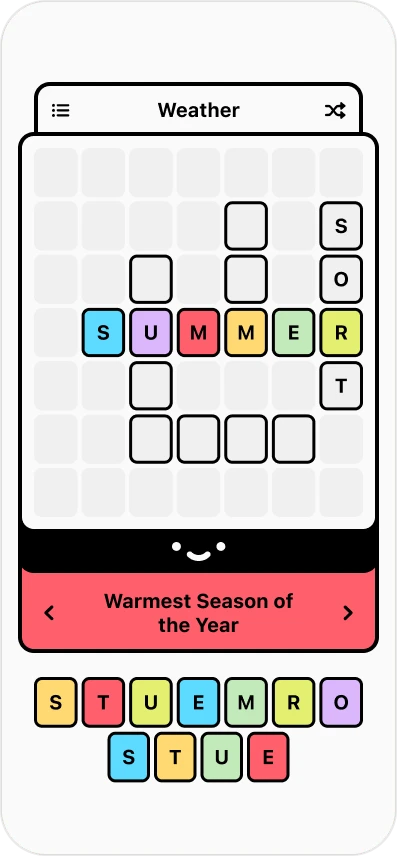
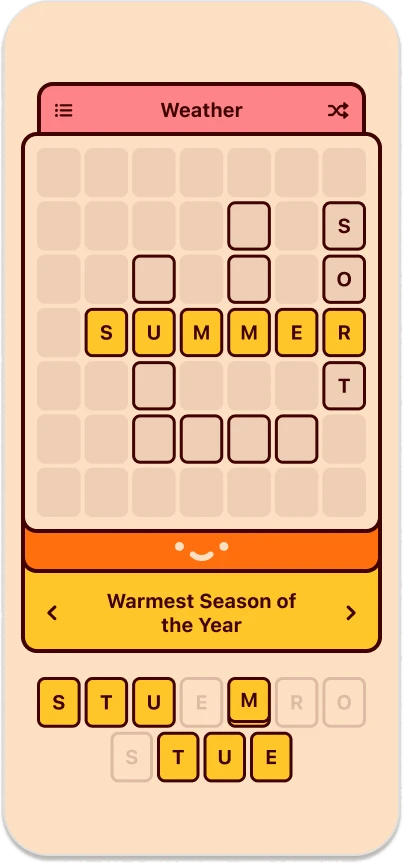
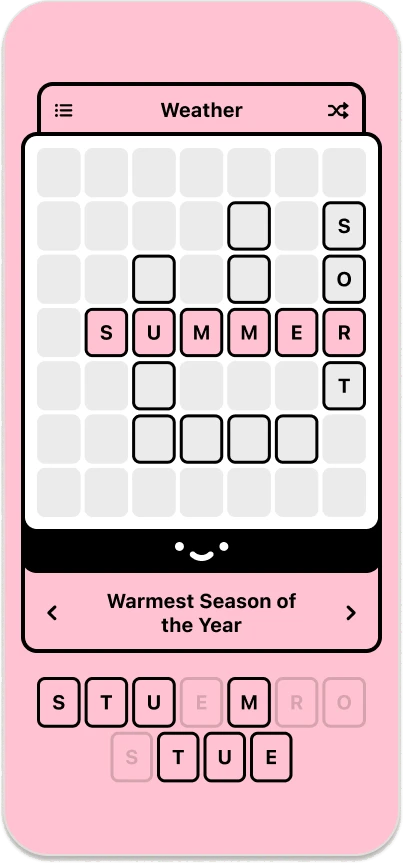
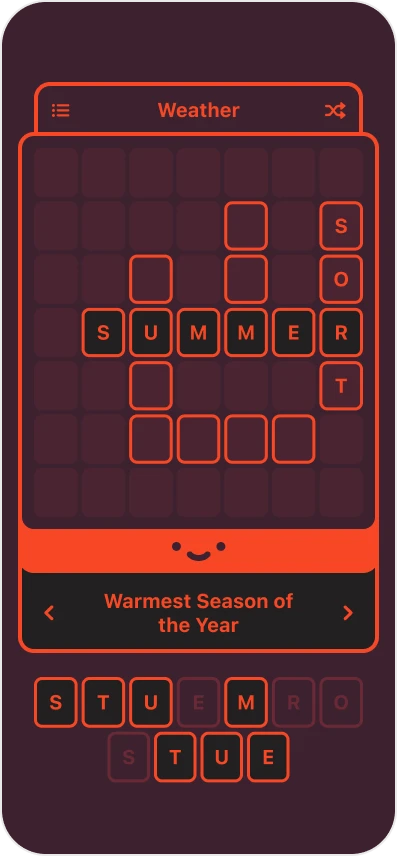
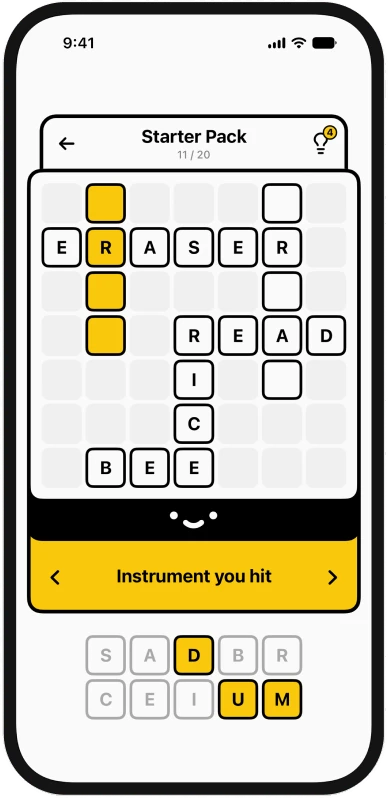
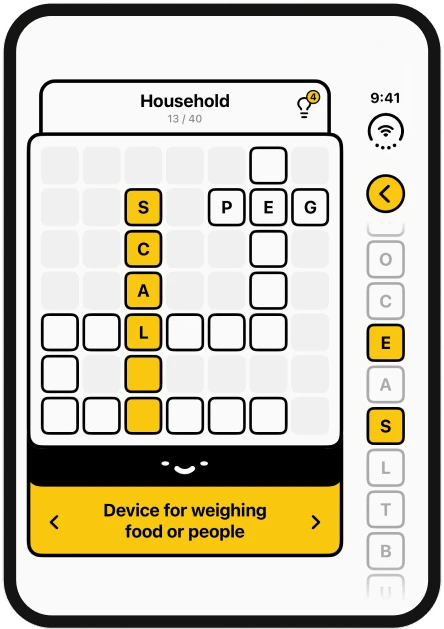
It started as a single grid of letter tiles. Over many rounds on a real device, the screen found its parts: a board that shows only the current word's cells, a clue bar with a small mascot that reacts as you play, and a bank of letters that offers just enough to work the answer out. Wrong letters get gentle feedback, and hints help without giving everything away.
A large part of the exploration went into how many letters the game should work with, weighing age groups and reading abilities against the space on screen, the size and sourcing of the word pool, and how much complexity the interface could carry.
The puzzle screen, from the first grid of tiles to one of the final drafts.
Play, not pressure
We were deliberate about what the app should reward. A subscription model would have brought a kind of time pressure with it, so instead the app is built around simple, bite-sized practice that allows for continuous progress at each learner's own pace, without streaks or reminders.
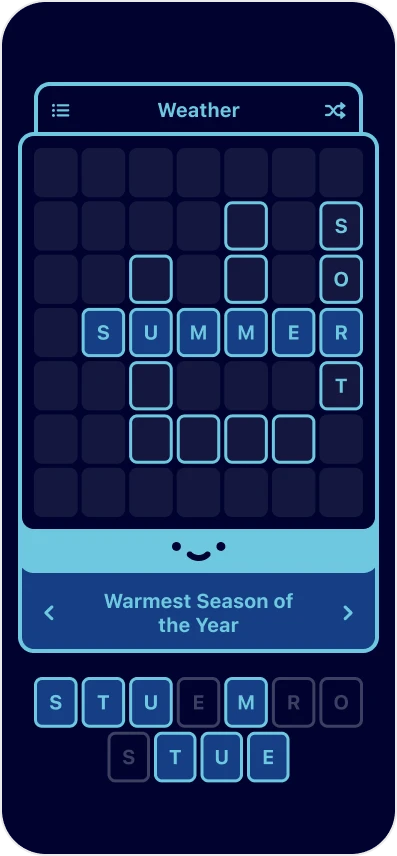
Colour themes and alternate app icons unlock through achievements. Some theme explorations went deliberately far, to find the edges of legibility: how dark, how saturated and how faint a theme could get before tiles and clues stopped reading. The ones that shipped stay on the right side of that line.
Theme explorations, from soft light themes to dark ones at the edges of legibility.
App icon explorations. Several became alternate icons players unlock.
Here too, it mattered to us that young players can take small breaks that feel like real breaks from practice, with rewards that are cute, engaging and worth earning. Through lots of user testing, not least with my own son, we settled on an underlying system of achievements that unlocks the themes and app icons. It counts words, solves and fixed mistakes, with badges whose rings grow as they go.
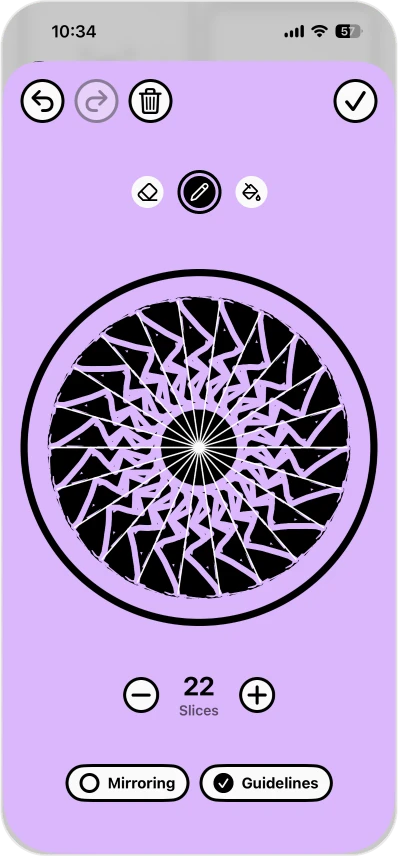
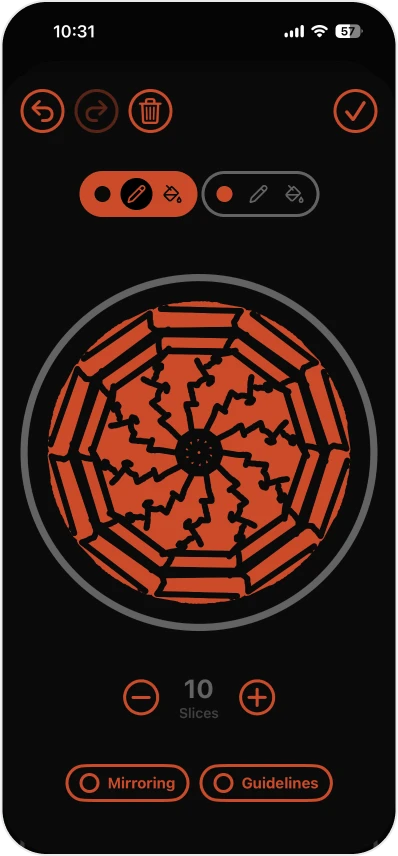
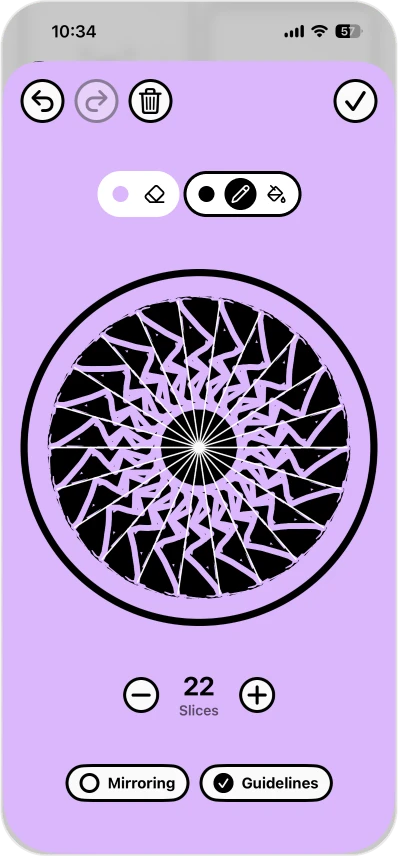
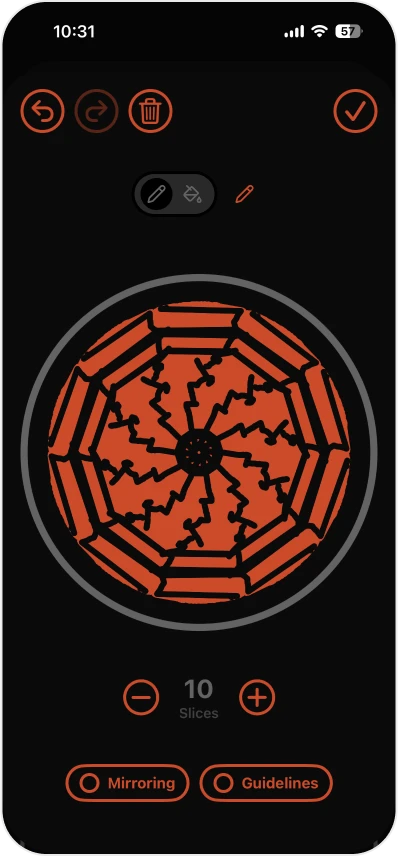
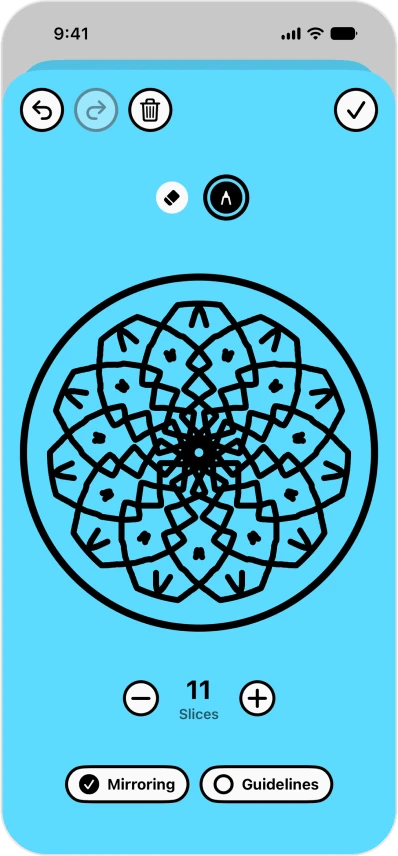
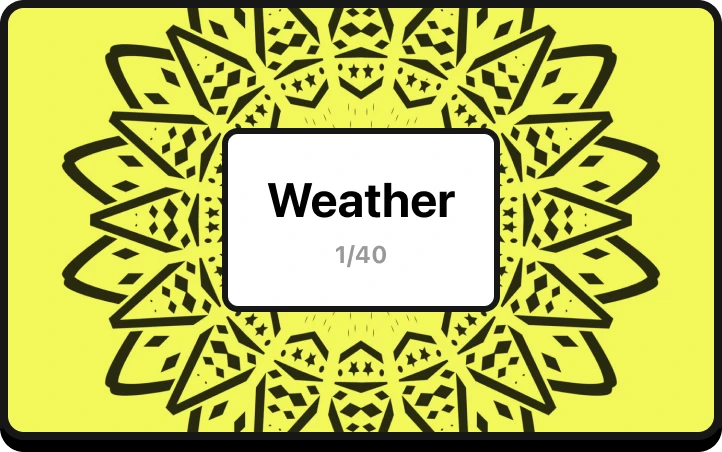
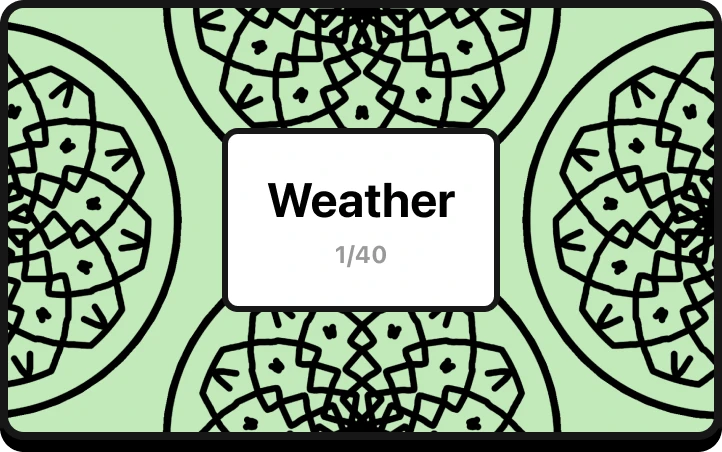
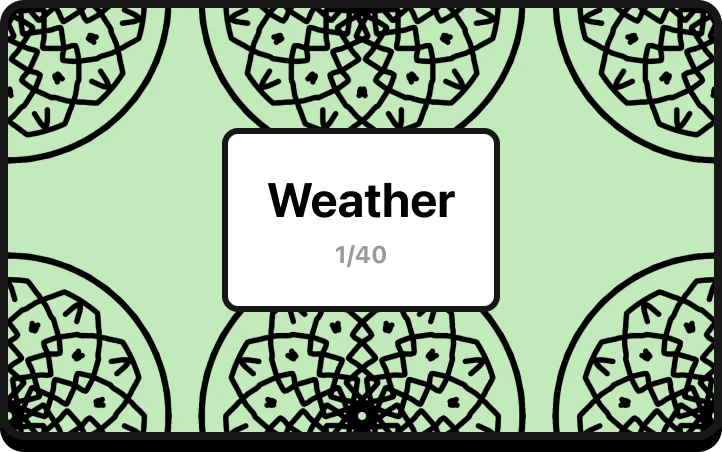
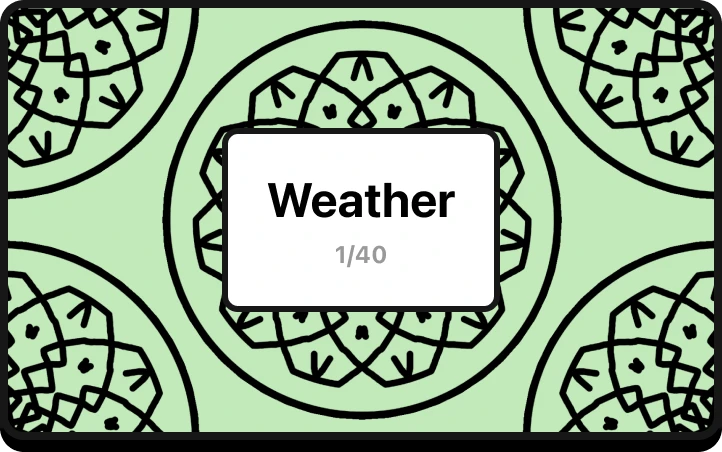
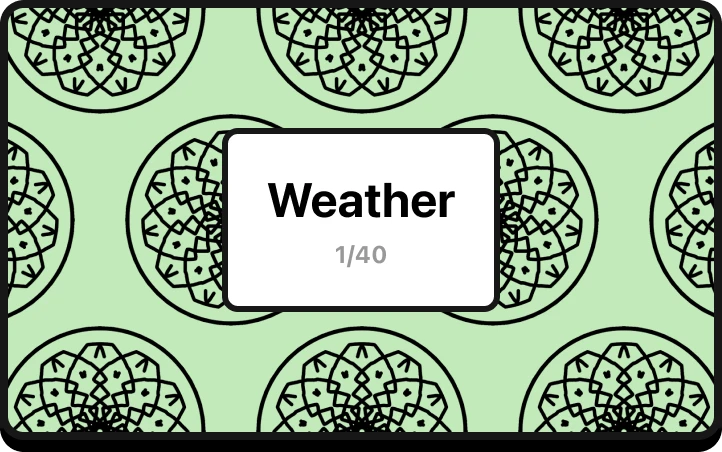
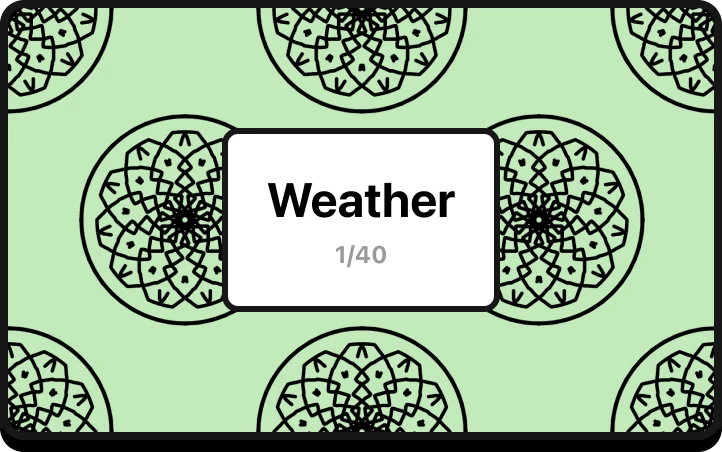
At its core sits the medal editor. Finishing a topic earns a medal, which players then decorate themselves. A lot of work went into a system that balances complete freedom with the app's overall look, giving the medals a shared logic while supporting genuine creativity. We settled on a kaleidoscope-like approach, with mirroring, slices, a pen and an eraser, that lets anyone make a beautiful medal. The medals then appear throughout the app and become the design of each completed deck. Keeping drawing fluid across hundreds of mirrored strokes called for a canvas engineered for exactly that, refined until it felt effortless.
The medal editor: drawing tools, slices and mirroring.
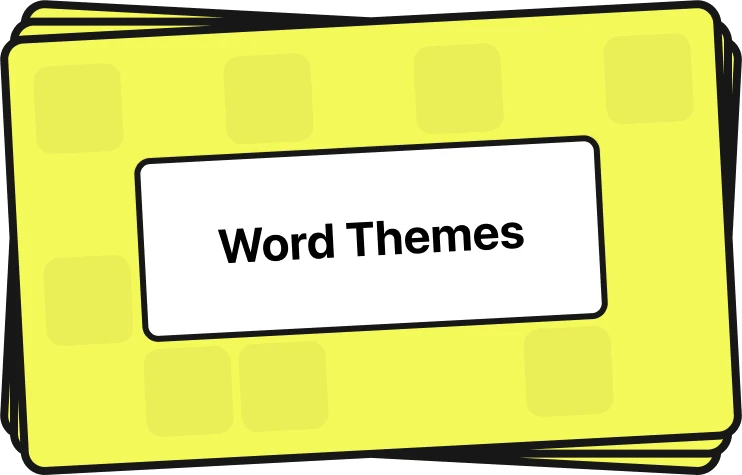
Card explorations: pack covers, and medals repeated into the design of a finished deck.
Achievement badges and how their rings grow, refined over many rounds of testing across the themes.
Small things to discover
Outside the puzzles there are lots of small things to find, inviting children to explore and get comfortable and playful with the app. Poke the mascot and it answers back, from a beep boop to a complaint about being poked. Spin a medal or a badge and it gets dizzy. On a locked pack, the mascot makes its own sales pitch.
Every sound effect and every mascot line was recorded by my son, which made for hours of fun and a learning experience for both of us. Jumping around the app and poking at everything to find them all made him its most vigorous tester.
A fair way to pay
Ultimately, we wanted to get CrissCross into as many hands as possible. But what's the best way to let people know whether they'll like what they're getting? A free starter pack offers plenty of puzzles to dive into, enough for parents and learners to find out whether they enjoy playing and whether it's right for them. The rest come as one-off purchases, per pack or all at once, with no subscription.
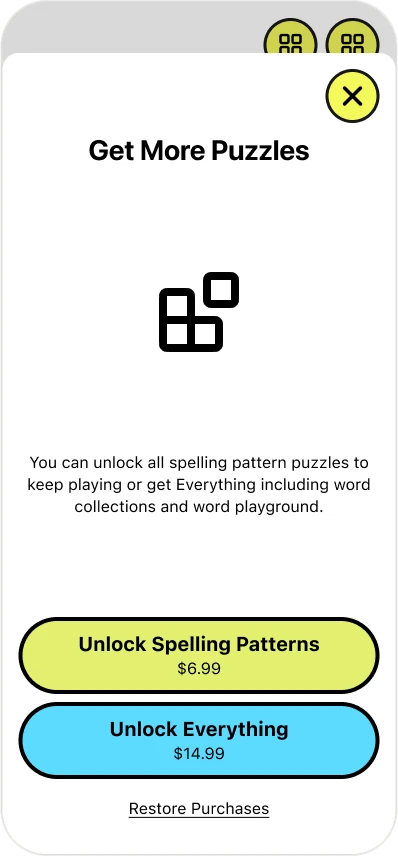
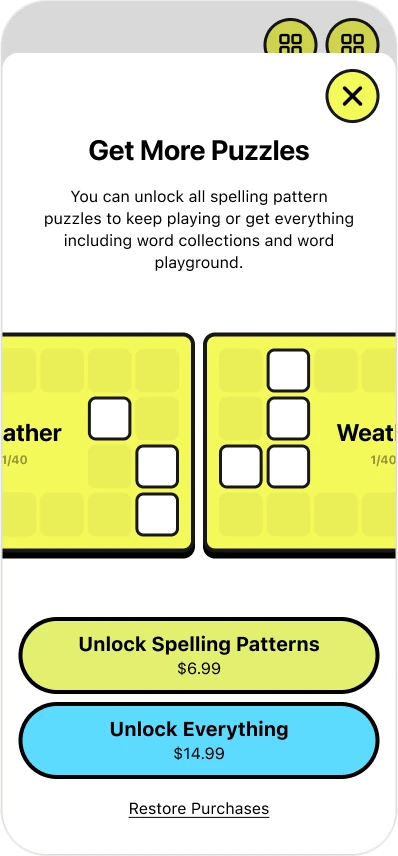
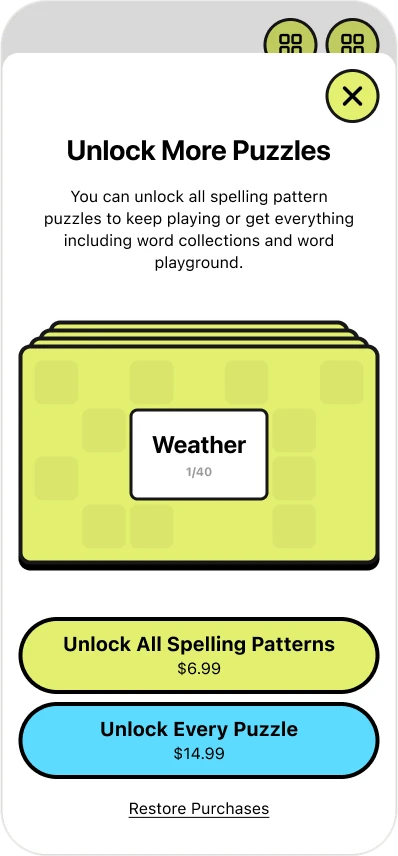
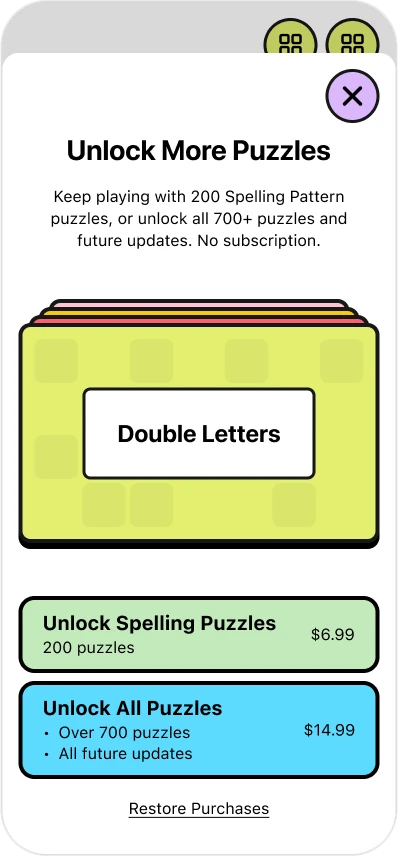
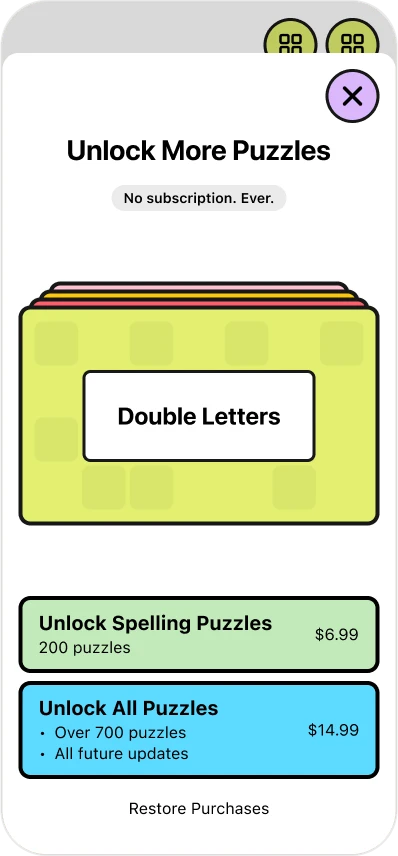
We knew that children would often be the ones to bring up the purchase screens, so they had to make it completely clear what was happening, and avoid dark patterns at all costs. The paywall went through a long run of explorations: what to show, what to say and how to price it, without putting pressure on children or their parents. In the end, locked packs can simply be opened and browsed before buying.
Paywall explorations, from a plain list of prices to the pack itself.
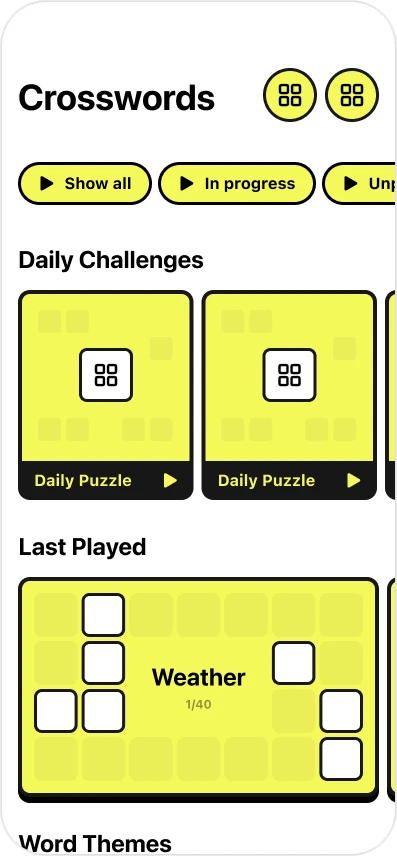
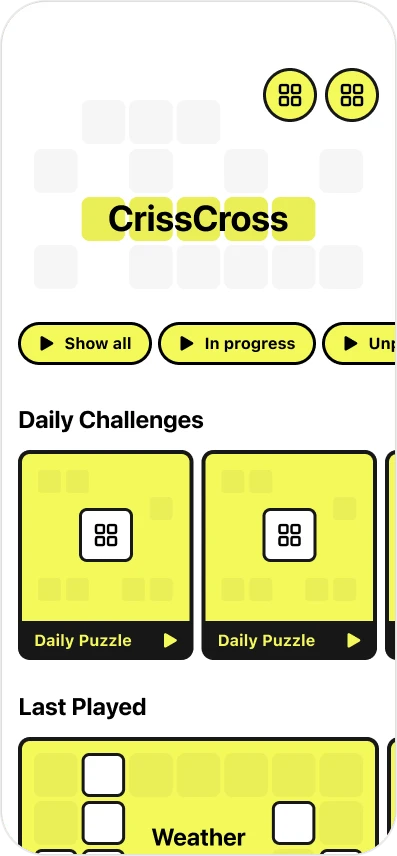
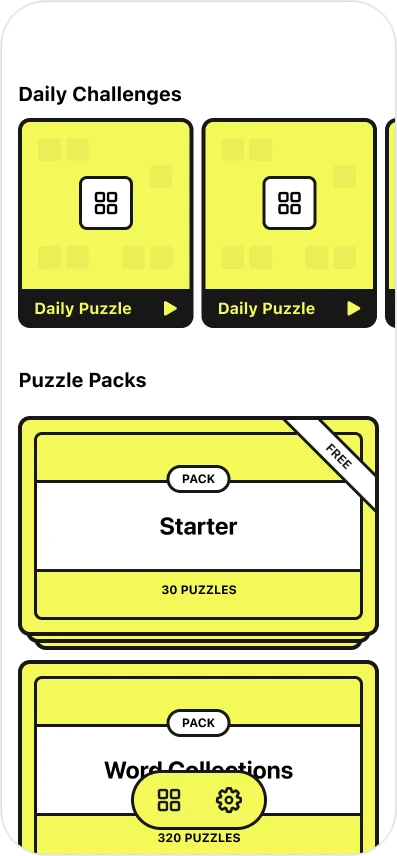
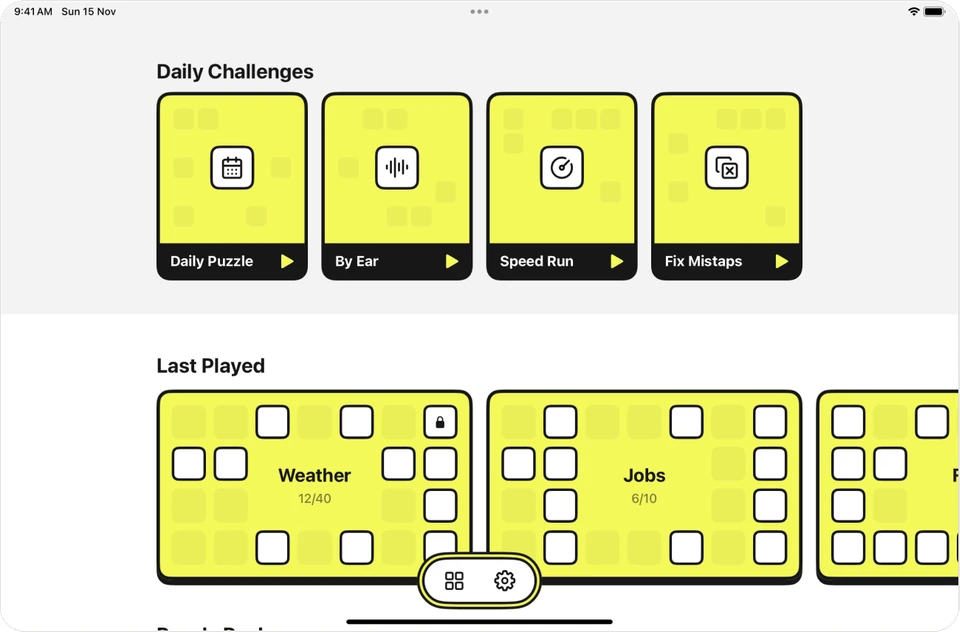
Home screen structures: cards for challenges, topics and packs.
Puzzle Studio
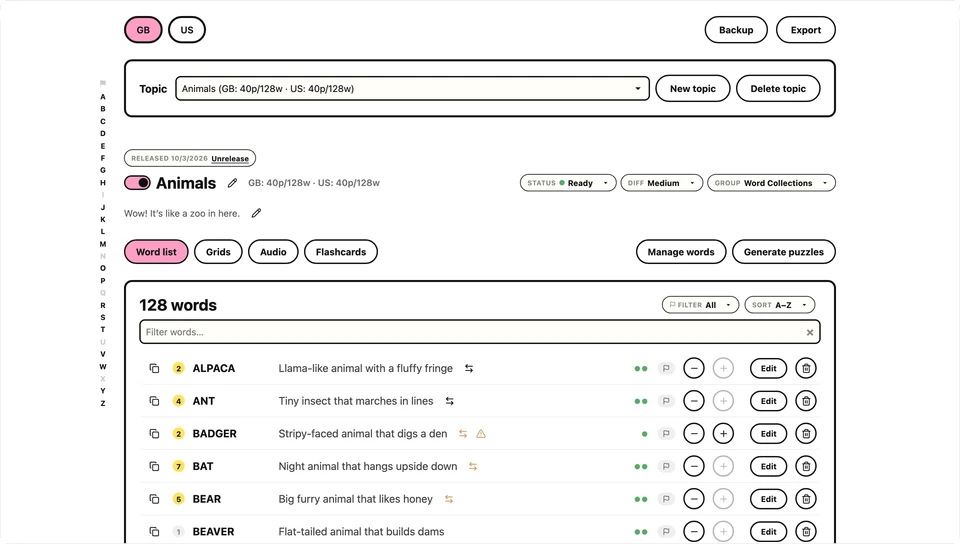
The puzzles are managed in Puzzle Studio, an app of its own that I built alongside the game. It's arguably the brain of the whole project: it holds every topic, word and clue, side by side in both spellings, so COLOUR and COLOR each get a puzzle of their own.
From a word list, the Studio generates crossword layouts that interlock densely. Topics can follow their own rules: rhymes, anagrams, word ladders, pairs of opposites, words with two meanings. Grids can be reviewed, reordered and regenerated, and a flashcard mode runs through every clue quickly, with a flag for anything that reads wrong. Released versions are safeguarded, so puzzles players already know don't change under them. When a release is ready, the Studio writes the content straight into the app, so the game works offline.
Puzzle Studio: one topic's words and clues, in both spellings, with its grids, audio and flashcards a tab away.What Puzzle Studio looks after: words, grids, two spellings, audio, review, flags, versions.
Every word, read aloud
Learners can often put the letters of a word together and still be unsure how to say it, so every answer can be read aloud. The phone's built-in voices and screen readers were tested first and weren't reliable enough, so the audio is made ahead of time through a speech API and bundled with the app: thousands of clips in British and American English, all playable offline.
Each clip is reviewed by hand in the Studio and approved, rejected or regenerated. Where the voice misreads a word, or a word like READ or TEAR has two pronunciations, an IPA transcription sets it exactly. Any clip can be remade or fine-tuned whenever it's needed.
Seamless sync and backups
With FlagSync, test users can flag a clue straight from the game and note what seems off. Flags are queued and synced in the background, offline or not, before they reach Puzzle Studio, where each one is worked through and the fix kept on record. Fully anonymous play counts show which themes people enjoy most, so the app's future development is rooted in actual use.
Every release is versioned and backed up in more than one way, together with the Studio's content. Checks run before each release, so every update keeps the experience consistent for players: nothing lost, nothing broken.
One app, every screen
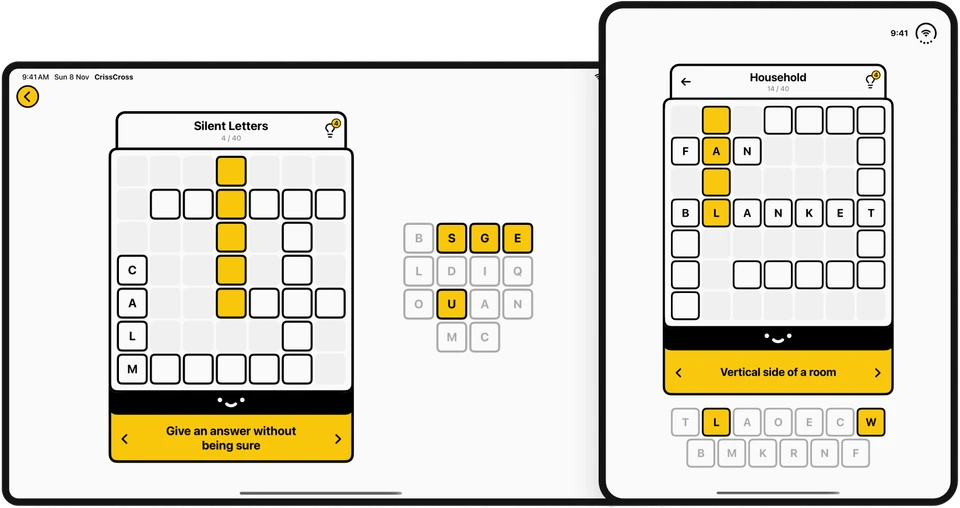
CrissCross runs on iPad, iPhone and iPhone Duo. Rather than a separate design for each device, every screen adapts to the size of its window. In landscape the board and letters sit side by side, and outlines scale with the tiles. In a very small window the whole game shrinks as one piece and keeps its proportions. Several layouts were explored along the way, and the one that felt most unified across devices won out, so CrissCross works the same everywhere.
The Duo needed its own decisions: closed, its narrow screen gives the status bar a column of its own, so back buttons and controls move there; open, the app may rotate.
iPhone, iPhone Duo closed, iPad in landscape and iPhone Duo open, to scale.
A website you can play
The website takes a show-don't-tell approach: rather than describing the game, it lets visitors dive straight into a real puzzle from the app. It uses the same tiles and clues, the same sounds and feedback, and even the same click-and-drag interactions as the app.
It was made for children and parents alike. It gives a quick, clear picture of what the app offers, shares a little of the story behind it, and provides plenty of material to help spread the word. Alongside it came the App Store screenshots for every device, widgets and a press kit.
The puzzle from crisscrosswords.app. Try it: tap a letter, or drag it into the grid.